
What Happens When Your Contact Form Looks Like a Phishing Page
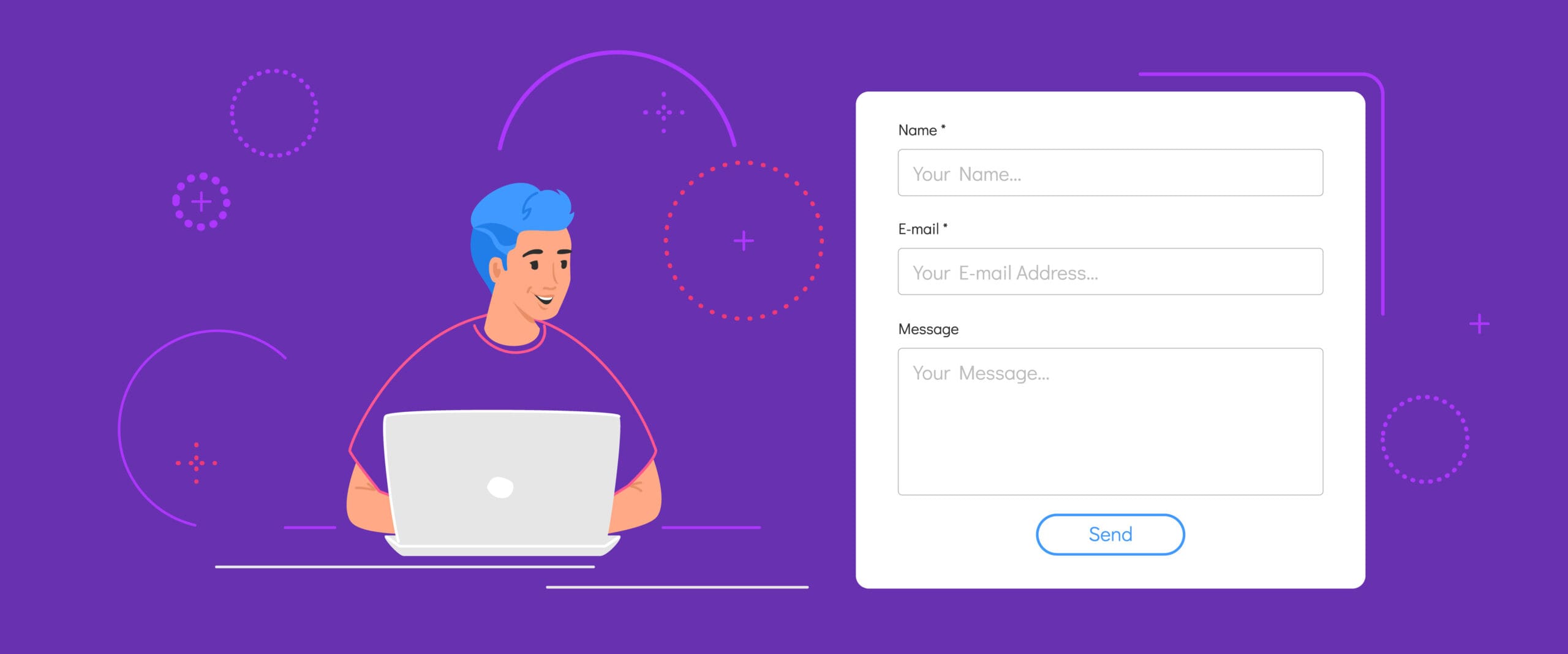
A contact form is a standard feature on most websites, giving visitors a quick way to send messages, requests, or feedback without exposing their email addresses. It improves user engagement, filters out spam, and helps businesses manage inquiries securely.
A well-built form also helps protect a company’s domain reputation. With built-in security features like CAPTCHA and email validation, it reduces the chances of spam or phishing attacks slipping through.
Why Contact Forms Matter
Contact forms aren’t just convenient—they’re a security measure. Instead of publishing an email address that can be scraped by bots, businesses use forms to maintain cleaner inboxes and better control over communication.
Used correctly, a contact form strengthens email deliverability, builds trust, and improves the user experience. But if it’s poorly designed or asks for too much, it may raise red flags.
What Is a Phishing Page?
A phishing page is a fake webpage made to look like a real one. Its purpose? Trick users into giving up sensitive data like login credentials, credit card numbers, or personal details.
These fake pages often mimic the look and feel of real websites so closely that users don’t realize anything is wrong—until it’s too late. The result can be identity theft, financial loss, or corporate data breaches.
Phishing scams have grown more sophisticated, which is why even small missteps in your own contact form design could cause users—or security software—to mistake it for a phishing page.
How a Contact Form Can Resemble a Phishing Page
Even legitimate websites can accidentally trigger phishing alarms. Here’s how:
1. Hosting on a Suspicious or Lookalike Domain
If your form is hosted on a domain that looks slightly “off” (e.g., with a typo or unfamiliar extension), users may think it’s fake. Phishing sites often rely on domain spoofing to trick people. If your form URL doesn’t match your main brand or looks inconsistent, it can instantly raise suspicion.
Fix: Always use a secure, branded domain and enable HTTPS encryption.
2. Asking for Too Much Personal Information
If your contact form asks for data like Social Security numbers, bank account details, or login credentials—especially without explaining why—users may assume it’s a phishing attempt.
Best Practice: Stick to essentials like name, email, and a message field. If you must request more, explain why you need it.
3. Using Alarming or Vague Language
Language matters. Phrases like “immediate action required” or “account verification needed” can sound suspicious. These are common in phishing scams and can make users feel pressured.
Fix: Use plain, friendly, and professional language. Be transparent about why you’re collecting information.
4. Asking for Sensitive Data
Legitimate contact forms don’t ask for passwords, credit card numbers, or other sensitive details. If yours does, it can easily be flagged—by users or by browser security tools—as a phishing page.
Fix: Never request confidential info via form. Link to secure portals if needed.
The Risks of a Contact Form That Looks Like a Phishing Page
Loss of Trust
If users question your form’s legitimacy, they won’t use it. Worse, they may assume your entire website is unsafe. This leads to higher bounce rates, fewer inquiries, and potential loss of business.
Real-world impact: A single report of a suspicious form can be enough to damage your brand’s reputation—especially if it spreads on social media or review platforms.
Legal Trouble
If your form collects personal data without proper safeguards—or appears to be phishing—you could face regulatory penalties under laws like GDPR or CCPA. Even if unintentional, it can result in fines or legal action.
Fix: Always explain how user data is stored and used. Link to a clear privacy policy and follow local data protection laws.
Damage to Your Reputation
Even one phishing report can leave a lasting mark. People remember when they feel unsafe—especially online. If your contact form is flagged, you’ll likely lose credibility and customer trust.
Fix: Conduct routine security audits. Communicate transparently about updates or changes. And make it easy for users to verify who you are.
Risk of Data Breach
If a phishing-style form collects sensitive data—even accidentally—that information could be targeted by hackers. And if it gets leaked, your users, your brand, and your bottom line are all at risk.
Fix: Encrypt all submissions, use verified CAPTCHA tools, and limit what data is collected in the first place.
How to Prevent Your Contact Form From Being Mistaken for a Phishing Page
Use a Secure, Branded Domain
A form hosted on your verified domain, secured with HTTPS, is far more trustworthy than one hosted on a generic subdomain or third-party service. Consider using tools like Cloudflare to further boost security and performance.
Be Transparent About Data Use
Let users know what you’re collecting, why you need it, and how you’ll use it. A clear privacy policy and simple language go a long way in building trust.
Stick to Professional, Simple Language
Avoid jargon, sales language, or anything that might sound like a scam. Use clear labels, polite prompts, and direct instructions. For example: “We’ll use your email only to respond to your message.”
Only Ask for What You Need
Less is more. Stick to basic fields—name, email, and message—unless you have a good reason to ask for more. And if you do, explain why. Unnecessary fields can feel invasive or suspicious.
What to Do If Your Form Is Flagged as a Phishing Page
1. Investigate the Flag
Review the flagged form. Is the design outdated? Are you asking for too much info? Are users reporting issues? Look at your form’s code, review analytics logs, and check for abnormal submission patterns.
2. Remove or Fix Suspicious Elements
Update the language, simplify the design, remove sensitive fields, and ensure everything is HTTPS encrypted. Add CAPTCHA verification and test across devices.
3. Communicate With Users
Let your users know the issue has been addressed. A quick update on your site, email newsletter, or social channels can go a long way in restoring trust. If necessary, submit a reconsideration request with Google or your hosting provider.
Final Thoughts
Your contact form should inspire confidence—not hesitation. A few missteps in design, wording, or security can make even a legitimate form look like a phishing page, putting your brand and your users at risk.
By using best practices—clear language, secure domains, minimal data requests, and strong encryption—you can avoid false flags and build real trust.